The Most Common Types of Cyber Security Attacks
We examine the most common cybersecurity attacks and how they work. We cover the steps you can take to protect yourself from them, and 5 software that can help.
 By Michael Miller · Updated July 22, 2026

Cyberattacks usually start with something ordinary: a login page, an email attachment, a reused password, an unpatched app, or a Wi-Fi network you do not control. The common thread is leverage.
The main types of cyber security attacks to recognize are phishing, social engineering, malware, ransomware, credential stuffing, man-in-the-middle attacks, DDoS, software exploitation, business email compromise, and supply-chain attacks. Some target your device, some target your account, and some target a service you rely on.
Quick map of common attack types
The FBI’s 2025 Internet Crime Report, released in 2026, says IC3 received more than 1 million complaints and reported losses exceeded $20 billion. Verizon’s 2026 DBIR points to a familiar mix: phishing, stolen credentials, software vulnerabilities, and ransomware.
Use this table as a fast triage guide.
| Attack type | How it usually works | Best first defense | Does a VPN help? |
|---|---|---|---|
| Phishing | Fake email, text, message, or website pushes you to click, log in, or pay | Slow down, verify the sender, use MFA | Not much |
| Malware | A file, app, link, or exploit installs harmful code | Update devices, avoid unknown downloads, use security tools | Not directly |
| Ransomware | Malware encrypts files or steals data before demanding payment | Backups, patching, MFA, least privilege | Not directly |
| Credential stuffing | Attackers test leaked username-password pairs on other sites | Unique passwords and MFA | No |
| Man-in-the-middle | Someone intercepts traffic between you and a service | HTTPS, trusted networks, VPN on public Wi-Fi | Yes, in the right situation |
| DDoS | A target is flooded with traffic until it slows or goes offline | Provider-level DDoS protection | No for personal protection |
Not every row in that table is a simple network flood; some, like application-layer attacks, mimic normal traffic and are harder to filter at the network edge.
Phishing
Phishing is a trick message designed to make you open a link, download a file, reveal a password, approve a payment, or hand over personal information. It can arrive by email, text, direct message, voice call, QR code, or a fake login page.
The strongest defense is a pause before action. Check the sender, domain, urgency, and request. If the message says your bank, cloud account, delivery service, or VPN account needs action, open the service from a saved bookmark or app.
A VPN does not stop you from typing your password into a fake site. Use a password manager because it will usually refuse to autofill on the wrong domain. Add MFA, preferably an authenticator app, passkey, or hardware key.
Social engineering
Social engineering is broader than phishing. The attacker manipulates trust, fear, curiosity, politeness, or authority. That might be a fake IT support call, bogus invoice, message from a “boss,” or fake delivery contact.
The practical defense is a verification rule: do not verify a request through the same channel that brought it to you. If an email says a vendor changed bank details, use the phone number already in your records.
For businesses, set payment-change procedures in writing. A simple callback rule can block a lot of expensive mistakes.
Malware
Malware is malicious software. It can steal browser cookies, log keystrokes, spy through permissions, join your device to a botnet, inject ads, or open the door for a later attack. It often arrives through cracked software, fake updates, malicious attachments, browser extensions, or unpatched software. Some VPN apps include tracker and ad-blocking features that catch known malicious hosts; see how ExpressVPN’s ad blocking handles this.
Keep your operating system, browser, and apps updated. Download software from official stores or vendor sites. Be cautious with “free” paid tools, game cheats, crypto apps, and attachments that ask you to enable macros or install components.
A VPN is not antivirus. It may hide your IP address, but it will not clean an infected laptop or make a malicious file safe; see our breakdown of whether a VPN protects you from viruses for what it can and cannot do.
Ransomware
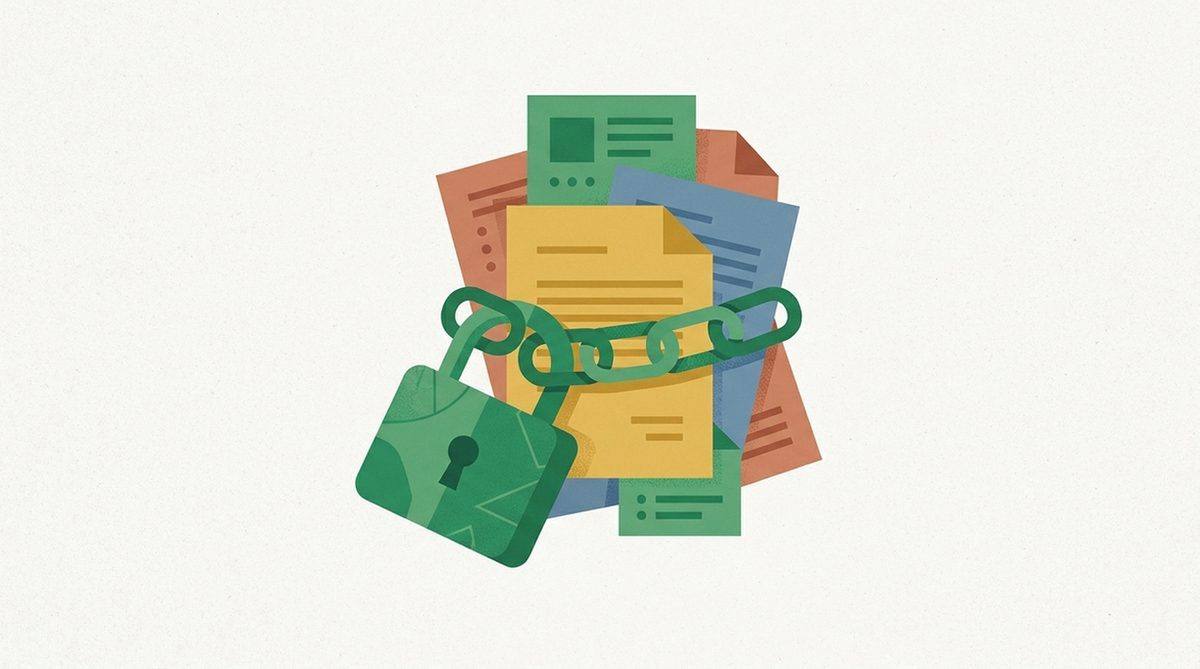
Ransomware blocks access to files or systems, usually by encrypting them. Modern incidents may also involve data theft: attackers steal files first, then threaten to leak them if the victim does not pay.
For individuals, the most useful defense is separate backups. At least one backup should be offline or protected from automatic syncing, because ransomware can encrypt synced folders too.
For small businesses, use tested backups, MFA on email and remote access, fast patching, restricted administrator access, and an incident response plan. CISA’s StopRansomware guidance emphasizes prevention, detection, response, and recovery.
Credential stuffing
Credential stuffing happens when attackers take leaked usernames and passwords from one breach and try them on other sites. It works because people reuse passwords across email, shopping, banking, work, and social accounts.
The fix is not to make one password more clever. The fix is to stop reuse. Use a password manager to create a different password for every important account, then turn on MFA where available; our guide on what to avoid when creating a strong password covers the patterns attackers exploit first.
If a site says your account was in a breach, change that password anywhere you reused it. Start with email, banking, cloud storage, password manager, phone carrier, and shopping accounts with saved payment details.
Man-in-the-middle attacks
A man-in-the-middle attack sits between you and the service you think you are using. On a hostile network, an attacker may observe traffic, redirect you to a fake page, or interfere with an insecure connection.
HTTPS has made casual interception harder than it used to be, but public Wi-Fi is still a place to be careful. The FTC advises caution on public networks, especially around sensitive accounts and unfamiliar hotspots.
This is where a VPN can help. A reputable VPN encrypts traffic between your device and the VPN server, reducing what the local network operator or nearby attacker can inspect. If you use airport or hotel Wi-Fi often, a paid VPN is a reasonable layer.
For that use case, start with NordVPN if you want a strong all-around pick, or Surfshark if you need a simple household-friendly option. You can read our full NordVPN review or full Surfshark review. Do not buy a VPN expecting it to stop phishing, password reuse, or malware.
DDoS attacks
A denial-of-service attack tries to make a site, server, game, or network unavailable. A distributed denial-of-service attack, or DDoS, does it from many machines at once, often using a botnet.
If you run a website or online service, DDoS protection usually belongs at the hosting, CDN, DNS, or network-provider level. You need filtering before traffic reaches your origin server.
For individuals, a VPN may hide your home IP address in some gaming or voice-chat situations, but it is not a real DDoS defense for a business website. Protection has to sit in front of the public service.
Software exploitation
Software exploitation means attackers use a vulnerability in an app, operating system, router, plugin, VPN gateway, browser, or server to gain access. This is why security updates matter.
Turn on automatic updates for personal devices. Replace routers and smart devices that no longer receive security updates. Remove browser extensions and apps you do not use.
Businesses should prioritize internet-facing systems first: remote access tools, VPN appliances, firewalls, web apps, email systems, and identity services.
Business email compromise
Business email compromise is fraud where attackers impersonate or take over a trusted email account to redirect payments, request gift cards, steal tax documents, or change payroll details. It blends phishing, social engineering, and weak account security.
The best defense is process. Require out-of-band confirmation for new bank details, urgent wire transfers, payroll changes, and unusual vendor requests. Use MFA on email accounts and review forwarding rules after suspected compromise.
For personal accounts, watch for quiet changes: new recovery emails, unfamiliar login alerts, hidden forwarding rules, and messages in the sent folder that you did not send.
Supply-chain attacks
A supply-chain attack compromises something you trust: a software vendor, update mechanism, plugin, contractor, managed service provider, or third-party script. Instead of attacking you directly, the attacker abuses a dependency.
Individuals can reduce exposure by installing fewer apps and browser extensions, removing unused plugins, and sticking to vendors with a clear security track record. Businesses need vendor review, access limits, software inventory, logging, and a plan to disable an integration quickly.
You cannot personally inspect every dependency. That makes minimization valuable: fewer tools, fewer permissions, fewer always-on integrations.
A practical protection stack
You do not need a separate tool for every threat. Start with controls that block multiple attack types:
- Use a password manager and unique passwords.
- Turn on MFA for email, banking, cloud storage, work, and social accounts.
- Keep devices, browsers, routers, and apps updated.
- Back up important files, with at least one backup protected from automatic syncing.
- Treat urgent payment, password, and account-recovery messages as suspicious until verified.
- Use a VPN on public Wi-Fi when you do not trust the network.
- Remove apps, extensions, and accounts you no longer need.
That stack will not make you invulnerable. It removes many easy paths attackers prefer.
FAQ
What are the most common types of cyber security attacks?
The most common types include phishing, social engineering, malware, ransomware, credential stuffing, man-in-the-middle attacks, DDoS, software exploitation, business email compromise, and supply-chain attacks.
Which cyberattack is most dangerous?
It depends on the target. For individuals, account takeover and financial fraud can be the most damaging. For businesses, ransomware, business email compromise, software exploitation, and supply-chain attacks can cause major operational and financial harm.
Can a VPN prevent cyberattacks?
A VPN can help protect traffic on public Wi-Fi and hide your network IP address from sites you visit. It does not stop phishing, reused passwords, infected downloads, unsafe extensions, or compromised accounts.
What is the easiest way to reduce cyberattack risk?
Use unique passwords with a password manager, enable MFA, update devices, keep backups, and verify urgent requests through a second channel. Those steps cover more real-world risk than most advanced tweaks.
Is phishing still a major problem?
Yes. Current cybercrime and breach reporting still treats phishing, social engineering, and stolen credentials as major parts of the attack landscape. The delivery method changes, but the core trick remains the same.
Michael Miller