TunnelBear Free Trial in 2026: What Actually Exists
TunnelBear has no timed personal trial, but its free plan and a limited annual-plan refund policy provide two different ways to test it.
 By Erwin Caniba · Updated July 22, 2026
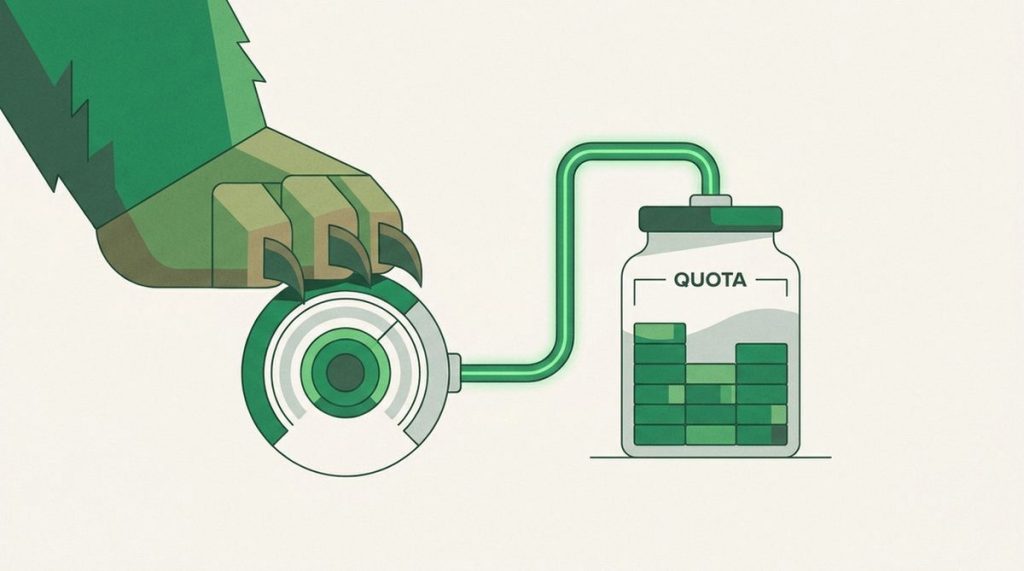
As of July 16, 2026, TunnelBear does not advertise a timed free trial for personal VPN accounts. Its practical no-cost test is the ongoing Free plan, which provides 2GB of data each month. TunnelBear’s current terms also give eligible first-year annual subscriptions a 30-day money-back guarantee, but you must pay upfront and meet its narrow conditions.
For the wider privacy, app, and performance picture, read our full TunnelBear review.
The TunnelBear free trial options at a glance
The phrase “free trial” hides several different arrangements. TunnelBear’s Free plan costs nothing and has no trial countdown, while its refund route starts with a paid subscription. A separate 7-day trial exists for TunnelBear for Teams, not for the regular personal VPN.
| Option | Upfront cost | Test period or allowance | Important conditions |
|---|---|---|---|
| Personal mobile or desktop trial | Not available | No timed trial listed | Personal apps default to the Free account instead |
| TunnelBear Free | $0 | 2GB per month, resetting on the account’s monthly anniversary | Country selection and SplitBear are paid-only features |
| Direct annual purchase | $59.88 before any applicable tax | 30 days from the original purchase | First year only; excludes monthly, Teams, iOS, and Google Play purchases |
| TunnelBear for Teams trial | $0 before billing | 7 days | Business plan; the annual payment processes after the trial |
The safest option for most people is TunnelBear Free. It lets you check whether the app installs cleanly, connects reliably on your usual networks, and fits your routine without creating a paid subscription.
How to test TunnelBear without risking a charge
Follow the free-account route before considering a refund-backed purchase:
- Choose Free on TunnelBear’s plan page. Do not select Unlimited if your goal is a no-payment test.
- Create an account on the website or in an official TunnelBear app. TunnelBear says an account created in one of its apps defaults to Free.
- Install the app on the device you actually plan to protect. A phone-only check tells you little about how the desktop app fits your workday, and vice versa.
- Test your normal networks first. Connect at home, then on any trusted secondary network you regularly use. Check that your ordinary browsing and essential apps still work.
- Watch the 2GB allowance. The data resets on the monthly anniversary of account creation. Avoid burning the allowance on large downloads when the goal is to evaluate connection behavior.
- Decide whether the missing paid features matter. Free users do not get manual country selection or SplitBear split tunneling. If either is essential, the free account cannot fully answer your buying question.
TunnelBear’s December 2025 account update says Free users retain secure connections, 2GB of encrypted monthly data, VigilantBear, and GhostBear. The same update moved country selection and SplitBear behind the paid tier. In other words, Free is a useful basic test, not a temporary copy of Unlimited.
What happens if you use the 30-day refund option
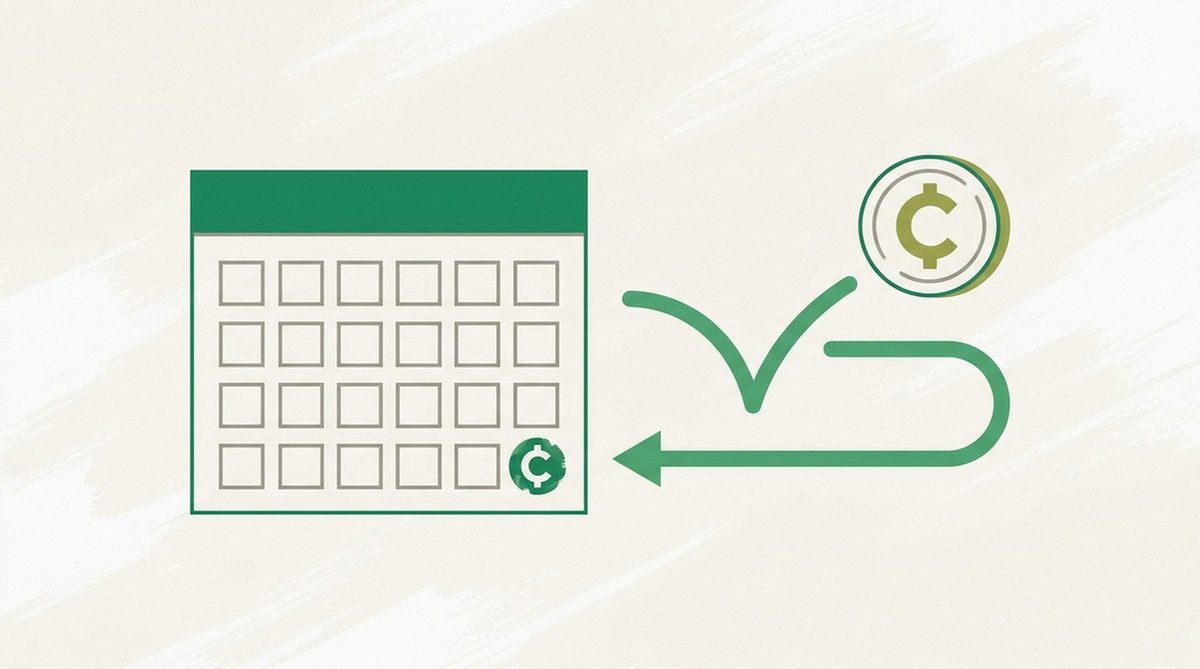
TunnelBear’s current terms include a 30-day money-back guarantee, but only for the first year of an annual subscription purchased directly from TunnelBear’s website. You pay the annual price first, then contact TunnelBear Support within 30 days of the original purchase if you want a refund. The same window applies to an annual plan bought during a TunnelBear Black Friday or Cyber Monday deal, since that is still a direct website purchase.
Monthly subscriptions, TunnelBear for Teams, and purchases through iOS or Google Play are excluded. The terms also say other refund requests are non-refundable by default, although TunnelBear may review some cases at its discretion. That is not a refund promise.
Canceling renewal and requesting a refund are separate actions. Turning off renewal prevents a future charge; it does not automatically return the payment you already made. Keep the purchase receipt, note the original purchase date, and contact support well before the deadline if the service is not right for you.
TunnelBear pricing and renewal after the free plan
TunnelBear’s live US-dollar pricing data lists these personal options:
- Monthly: $9.99, billed monthly.
- Annual: $59.88 upfront, equivalent to $4.99 per month.
- 2 years: $99.99 upfront, equivalent to about $4.17 per month.
- 3 years: $120 upfront, equivalent to about $3.33 per month.
The low monthly figures on long plans are comparisons, not monthly installments. Confirm the full charge shown at checkout before paying.
Monthly and annual subscriptions renew automatically unless you cancel them. TunnelBear’s cancellation guidance says its 2- and 3-year plans are non-recurring and do not auto-renew. The written 30-day guarantee specifically names first-year annual subscriptions, so do not assume that the cheaper 3-year offer carries the same refund protection.
If you want the least financial exposure, use Free first. If you need to evaluate paid-only features, compare the direct annual checkout and refund terms rather than choosing the longest plan solely for its lower monthly equivalent.
Better alternatives if TunnelBear’s test options are too limited
Surfshark offers a genuine 7-day personal trial
Surfshark now offers new users a 7-day website trial on 12- and 24-month plans paid by credit card, PayPal, or Apple Pay. Its current trial terms allow up to 3 devices during the trial, then charge the selected subscription unless you disable auto-renewal.
This is a clearer fit when you specifically want a timed trial of a paid VPN. The drawback is that you must provide a payment method and remember the renewal. Surfshark and Nord Security formed a corporate group in 2022, while Surfshark says they continue to use separate infrastructure and product plans. Read our full Surfshark review before subscribing.
Proton VPN Free removes the monthly data cap
Proton VPN is the stronger no-cost alternative when TunnelBear’s 2GB allowance is the problem. Proton advertises its Free plan with no data or time limits and no ads.
It is still a free tier rather than a timed trial, and it will not show you how TunnelBear’s paid-only country selection or SplitBear works. Compare the broader limitations in our full Proton VPN review.
Our pick: use TunnelBear Free before paying
Start with TunnelBear Free. It is the only personal test route that requires no upfront payment, and 2GB is enough to judge the app’s basic connection behavior on your real devices and networks. Upgrade only if you need paid-only controls; if you want refund protection, choose an eligible direct annual purchase and read the terms before checkout.
FAQ
Does TunnelBear have a free trial in 2026?
TunnelBear does not list a timed free trial for personal accounts. Instead, it offers an ongoing Free plan with 2GB of data per month. That account is useful for testing basic connections, but it does not include every paid feature.
Is the TunnelBear free plan limited to 2GB total?
No. The allowance is 2GB per month, and TunnelBear says it resets on the monthly anniversary of your account creation. The plan does not expire after one month.
Does TunnelBear have a 30-day money-back guarantee?
Yes, but it is limited. The current terms cover the first year of annual subscriptions bought directly from TunnelBear’s website when support receives the request within 30 days of the original purchase. Monthly, Teams, iOS, and Google Play purchases are excluded; other refunds are discretionary.
Does TunnelBear offer a 7-day trial?
Only TunnelBear for Teams officially lists a 7-day trial, followed by annual billing. The regular personal VPN does not list that timed offer. If you need a genuine 7-day personal VPN trial, Surfshark currently provides one to eligible new users with a payment method.
Erwin Caniba